
macOS: dXtreaM is damaged and can’t be opened
09/05/2026 2026-09-05 7:54macOS: dXtreaM is damaged and can’t be opened
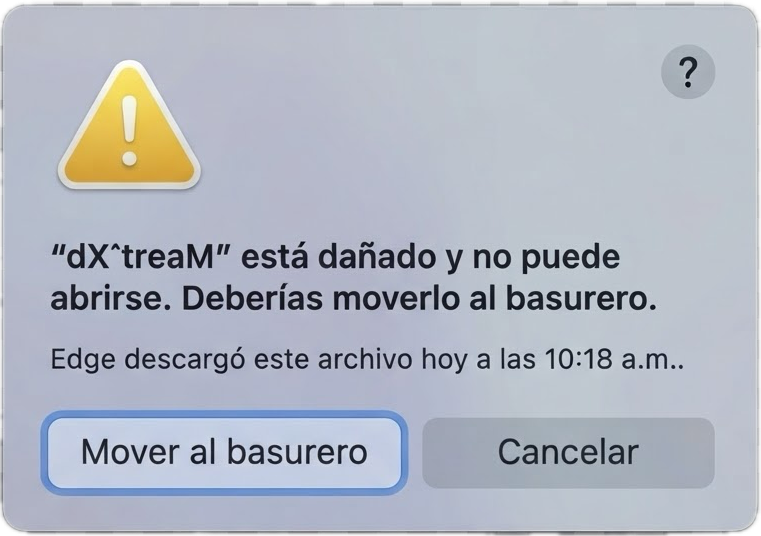
If you encounter the error “dXtreaM is damaged…” when opening dXtreaM, you will need to open your Terminal and run the following command:
xattr -cr /Applications/dXtreaM.app
